Generate
Pick a style, write your prompt, choose background options, and let AI create unique images for you.
Choose a style, write a prompt, and generate images you can turn into seamless patterns.
How It Works
Pick a style, write your prompt, choose background options, and let AI create unique images for you.
Place generated images on a custom canvas. Choose size, background color, and layout.
Scale your pattern by zooming in or out until the seamless result looks right.
Download your finished pattern in high resolution for print, web, or product design.
Features
Choose from a curated collection of art styles to guide your AI generation.
Generate images with or without backgrounds for maximum creative flexibility.
Arrange images on a flexible canvas to build seamless repeating patterns.
Pick any canvas size to match your end use - fabric, wallpaper, or digital.
Zoom in or out to fine-tune the density and scale of your pattern.
All generated images and exported patterns are saved to your personal gallery.
Generate seamless patterns directly from a text prompt - no manual arranging needed.
Upscale your images to high resolution with AI-powered detail enhancement.
Add custom text and fonts directly onto your patterns for branded designs.
Gallery
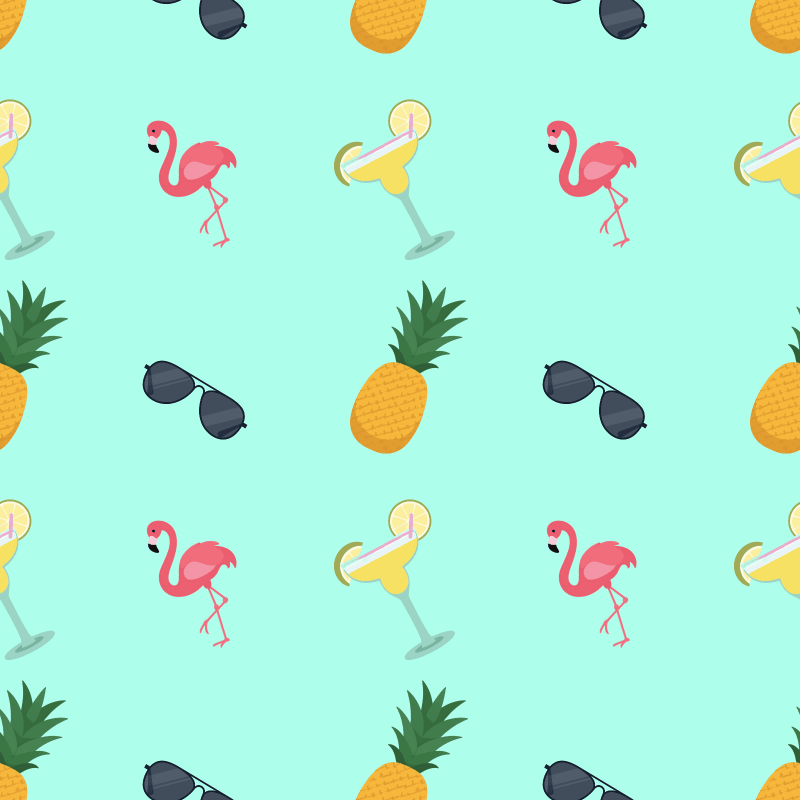
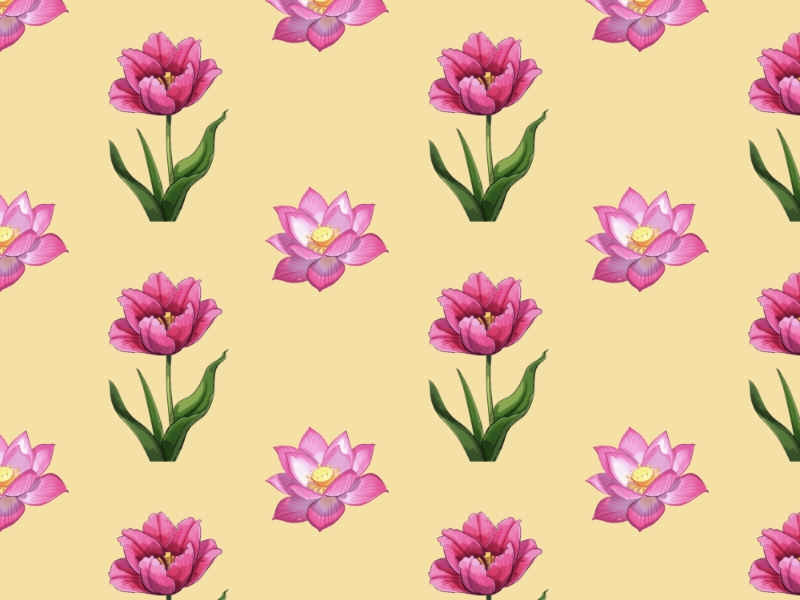
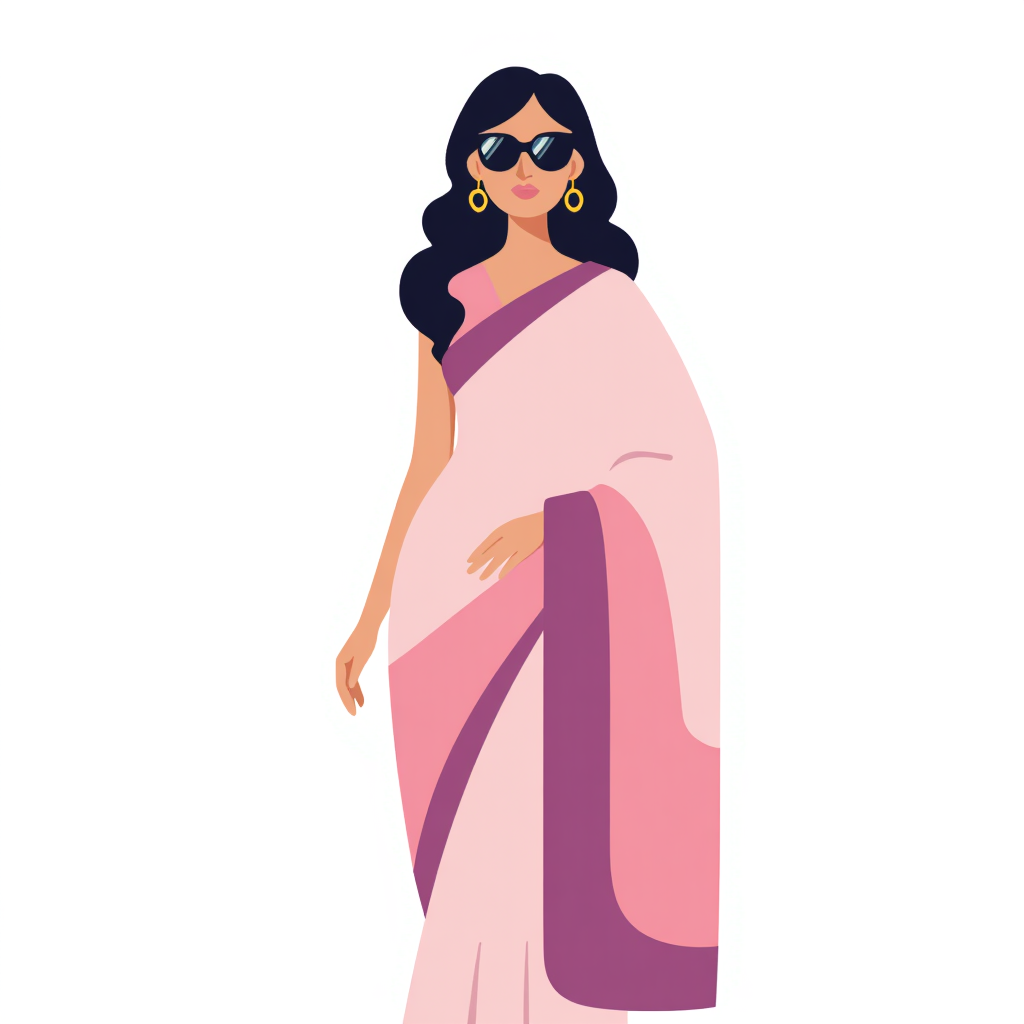
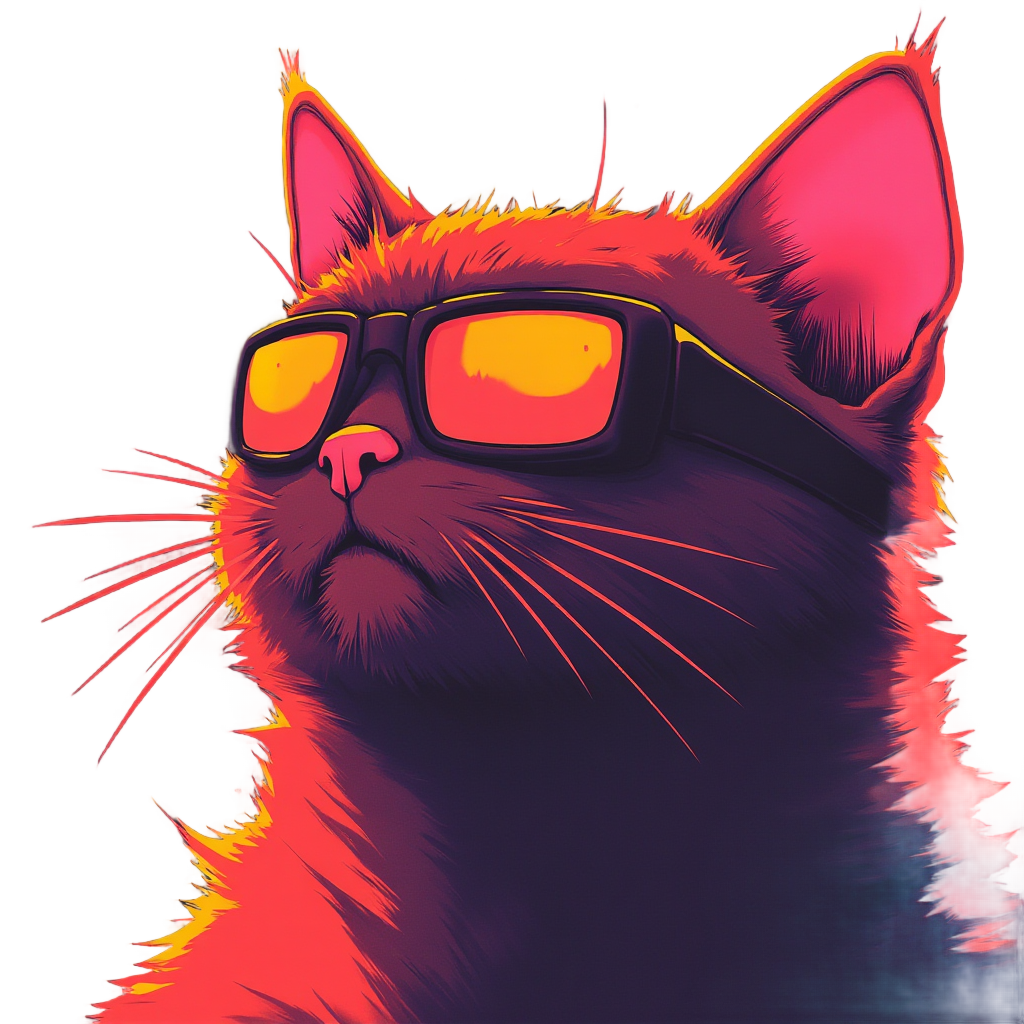
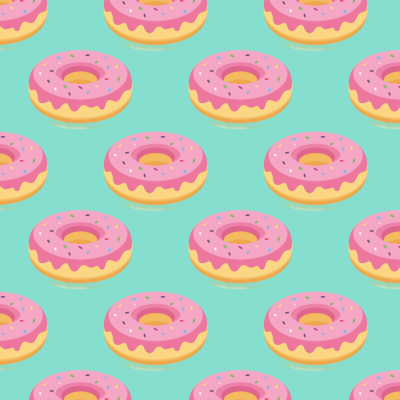
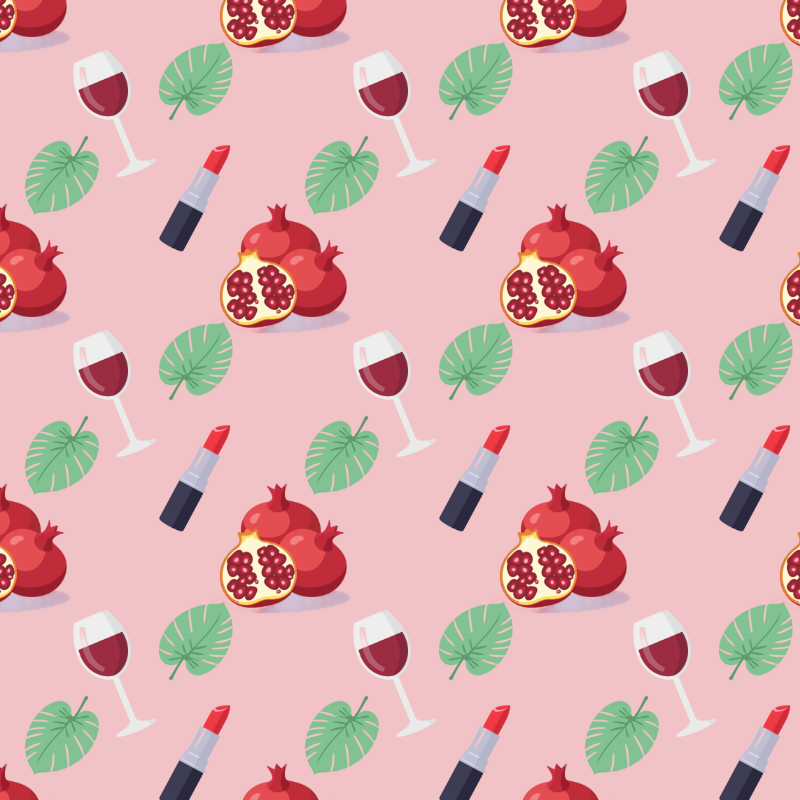
A quick look at patterns made with rosetint.
FAQ
Yes. rosetint is currently free to use.
rosetint helps you generate images with AI, turn them into repeating designs, and export seamless patterns.
They are repeating designs with no visible edges, used in textiles, wallpaper, packaging, product design, and digital backgrounds.
By default, generated images and editor exports are public. You can switch visibility to private before generating or exporting.
Yes. Public images may be selected for the homepage gallery. Set visibility to private if you do not want them shown.
Yes, but only during generation. Turn on Remove Background before generating; it cannot be applied afterward to existing images.
Yes. Up to 30 generations per day per user, with at least 10 seconds between requests.
Yes. You can generate multiple images, combine and arrange them in the editor, and export the result as a collage even if you are not making a repeating pattern.
Yes. They are automatically removed after 5 days.
Yes. All images and patterns are royalty-free and can be used commercially.
Generate, edit, and export seamless patterns in one workflow.